


Download Lucky Dreams App for Android & iOS
Gambling apps are restricted on both the Google Play Store and Apple’s App Store in most regions, so Lucky Dreams — like the majority of Curaçao-licensed casinos — doesn’t offer a standard app-store listing. Instead, Android players can install a downloadable APK directly from the official site, while iOS players access the same mobile experience through Safari, with the option to save it to their home screen like a regular app.
How to Download & Install Android APK
- Visit the official Lucky Dreams Casino website using your Android phone’s browser — never a third-party file-sharing site or an unofficial mirror.
- Locate the Android download link, usually found in the mobile menu or footer.
- Before downloading, go to your phone’s Settings and temporarily allow installation from unknown sources, since the APK isn’t distributed through Google Play.
- Download the APK file and open it once the download completes.
- Follow the on-screen prompts to install, then open the app and log in with your existing account or register a new one.
- Once installed, it’s worth switching “install from unknown sources” back off, since leaving it enabled permanently increases your phone’s exposure to unrelated malicious apps.
A word of caution worth repeating: only ever download the APK from the casino’s own official domain. Third-party APK repositories and forum links are a common way malicious software gets disguised as a legitimate casino app, and that risk exists regardless of which casino brand is named.
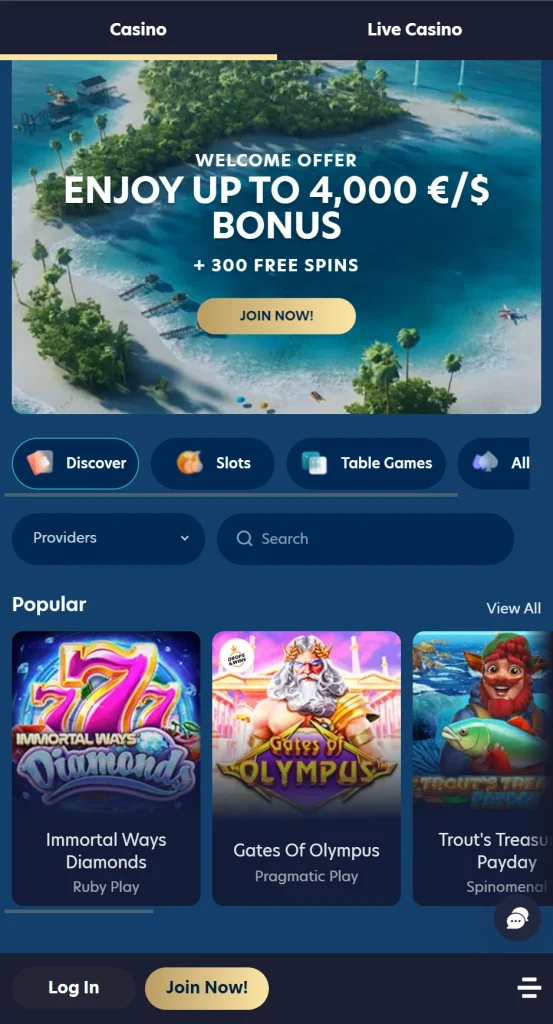
iOS App Installation Guide
Apple’s guidelines generally don’t allow standalone real-money casino apps on the App Store, so there’s no Lucky Dreams app to download for iPhone or iPad. Instead:
- Open Safari and go to the official Lucky Dreams Casino website.
- Log in or register as you normally would.
- Tap the Share icon at the bottom of the Safari screen.
- Select “Add to Home Screen.”
- Confirm the name and tap “Add” — an icon now appears on your home screen that opens directly into the mobile site.
This shortcut behaves much like a native app for everyday use: it opens without the browser address bar, loads the current version of the site every time, and takes up minimal storage since it isn’t a full downloaded application.
Lucky Dreams Mobile Site vs. Mobile App
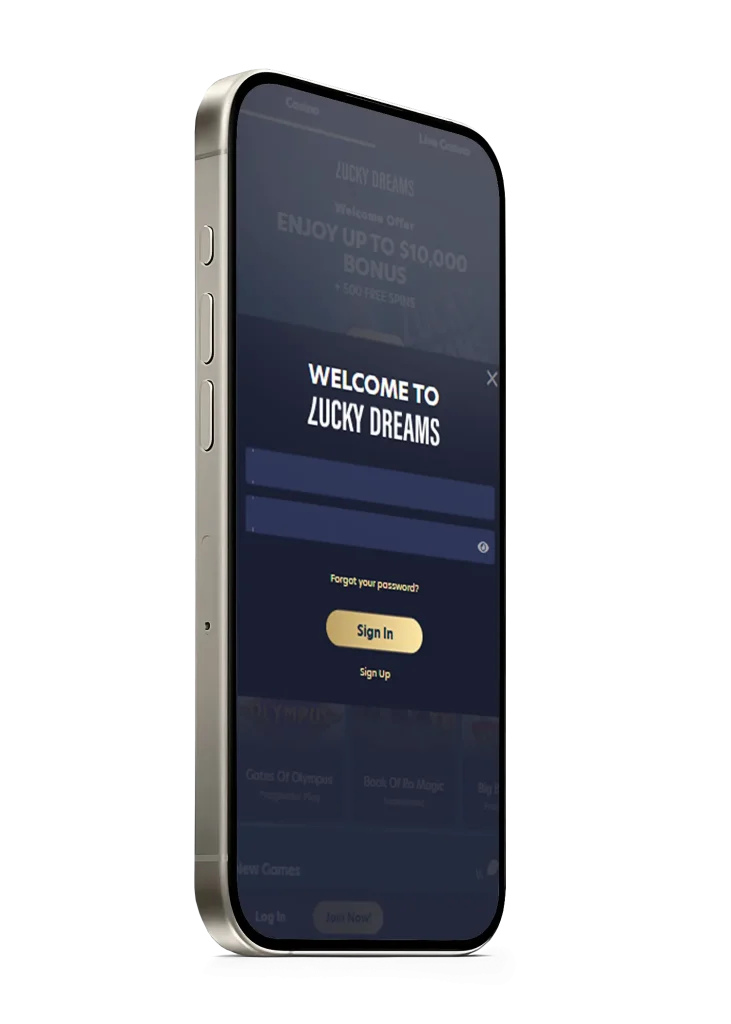
Performance, Interface, and Features
Whether you’re using the Android APK or the iOS home-screen shortcut, both are built on the same underlying mobile website, so the core interface, game library, and account features are identical either way. The APK wraps that experience in a slightly more native-feeling shell — marginally faster load times after the first launch, since some assets are cached locally — while the browser-based version guarantees you’re always looking at the current site without needing to reinstall anything after an update.
In everyday use, most players won’t notice a meaningful difference between the two on a reasonably modern phone. The choice mostly comes down to Android users deciding whether they prefer a home-screen icon that behaves like a typical app, versus the zero-install convenience of just bookmarking the mobile site.
System Requirements & Compatibility
| Platform | Access Method | Typical Requirements |
|---|---|---|
| Android | Downloadable APK from official site | Android 7.0 or later, ~50–100 MB free storage |
| iOS (iPhone/iPad) | Safari + “Add to Home Screen” | iOS 13 or later, current version of Safari |
| Any mobile browser | Direct mobile website, no install | Modern browser (Chrome, Safari, Firefox), stable internet connection |
Older devices can generally still run the mobile site, though live dealer streaming and graphics-heavy pokies benefit from a newer device and a solid Wi-Fi or 4G/5G connection. If you notice lag specifically during live tables, checking your connection speed is usually the first thing worth troubleshooting before assuming it’s a device issue.
Mobile Gaming Features
Accessing Pokies & Live Games on Mobile
The full game library — pokies, table games, and the live dealer section — is available on mobile without any separate download or unlockable content. Filters for provider, theme, and volatility work the same way as on desktop, just laid out for a smaller screen, usually as a collapsible menu rather than a sidebar. Live dealer tables stream directly in the mobile browser or app, so no additional plugin or player is needed beyond a stable connection.
Mobile Payments & Fast Withdrawals
Depositing and withdrawing works identically to the desktop cashier, just resized for touch input. A few things worth knowing about mobile banking specifically:
- PayID and bank transfers are usually the fastest deposit method for Australian players on mobile, often clearing in a couple of minutes.
- Cryptocurrency wallets can typically connect directly if you use a mobile crypto wallet app, streamlining deposits without manually copying wallet addresses.
- Card payments work the same as desktop, though some banks apply extra verification steps (like an SMS code) on mobile that aren’t always triggered on desktop.
- Withdrawal requests submitted from mobile follow the same verification and processing rules as desktop — there’s no mobile-specific delay, provided your account is already verified.

Because the mobile cashier mirrors the desktop one exactly, there’s no reason to switch to a computer just to deposit or withdraw — it’s mainly a matter of personal preference for typing out card or bank details.